
Three made-up businesses. Built as if they were real.

Each concept project is a fictional business we designed the way we would design yours, with real photography and real layouts. The photos are real; the names, places and details are invented.

Three signs a website is costing you customers: it’s hard to use on a phone, there’s no clear way to book or call, and it doesn’t show your real work. No sound.

Concept projects · fictional businesses

A black sports car being sprayed with water, foam flying off the rear wheel, in black and white

Concept project · fictional business

Harbourside Mobile Detailing

Trade
Mobile car detailing
Area
Eastern suburbs and inner west
Pages
Home, packages, booking, areas, FAQ

The story

The business
A one-van detailer who washes and polishes cars in the owner’s own driveway.
The problem

Customers kept asking the same three questions: how long does it take, do you come to me, and when are you free? The site had to answer all three before anyone picked up the phone.

Design decisions
  • Leads with the finish. A full-width photo of a car mid-wash does more selling than a paragraph of adjectives.
  • Explains packages by time. Express wash, full detail and paint correction, each with how long it takes, so customers can plan their day.
  • Lists the suburbs served up front, so nobody books a job across the bridge by mistake.
How a customer uses it
On a phone: pick a package by how long it takes, choose a time, add the address. No account, no back-and-forth messages.
The action it asks for
Book a time slot in two steps.

Packages, close up

Mockup
  1. Express washAbout an hourHand wash, wheels and windows
  2. Full detailHalf a dayInside and out, seats and carpets
  3. Paint correctionA full dayMachine polish and protective coat

How the concept’s packages page lists each option: by time, so customers can plan their day.
Key screens

Homepage on a laptop and a phone, with booking in two steps.

Concept project · fictional business

Greenline Landscapes

Trade
Landscape design and construction
Area
North Shore
Pages
Home, projects, services, site visit
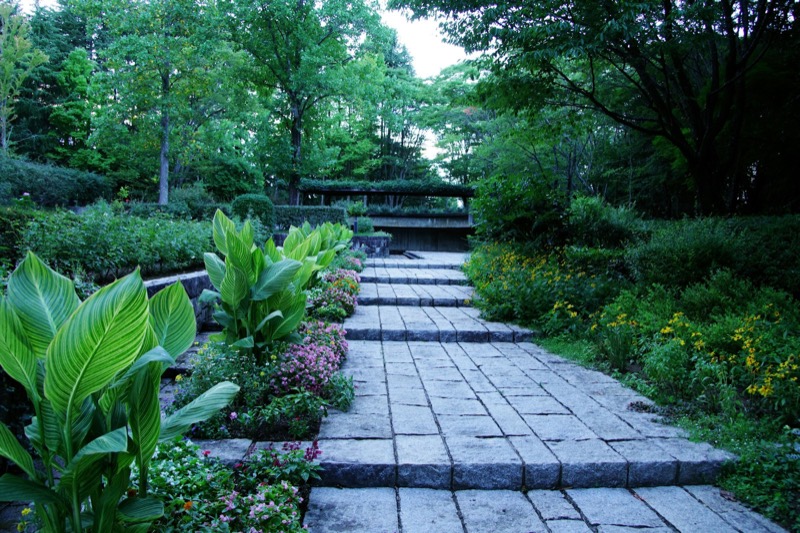
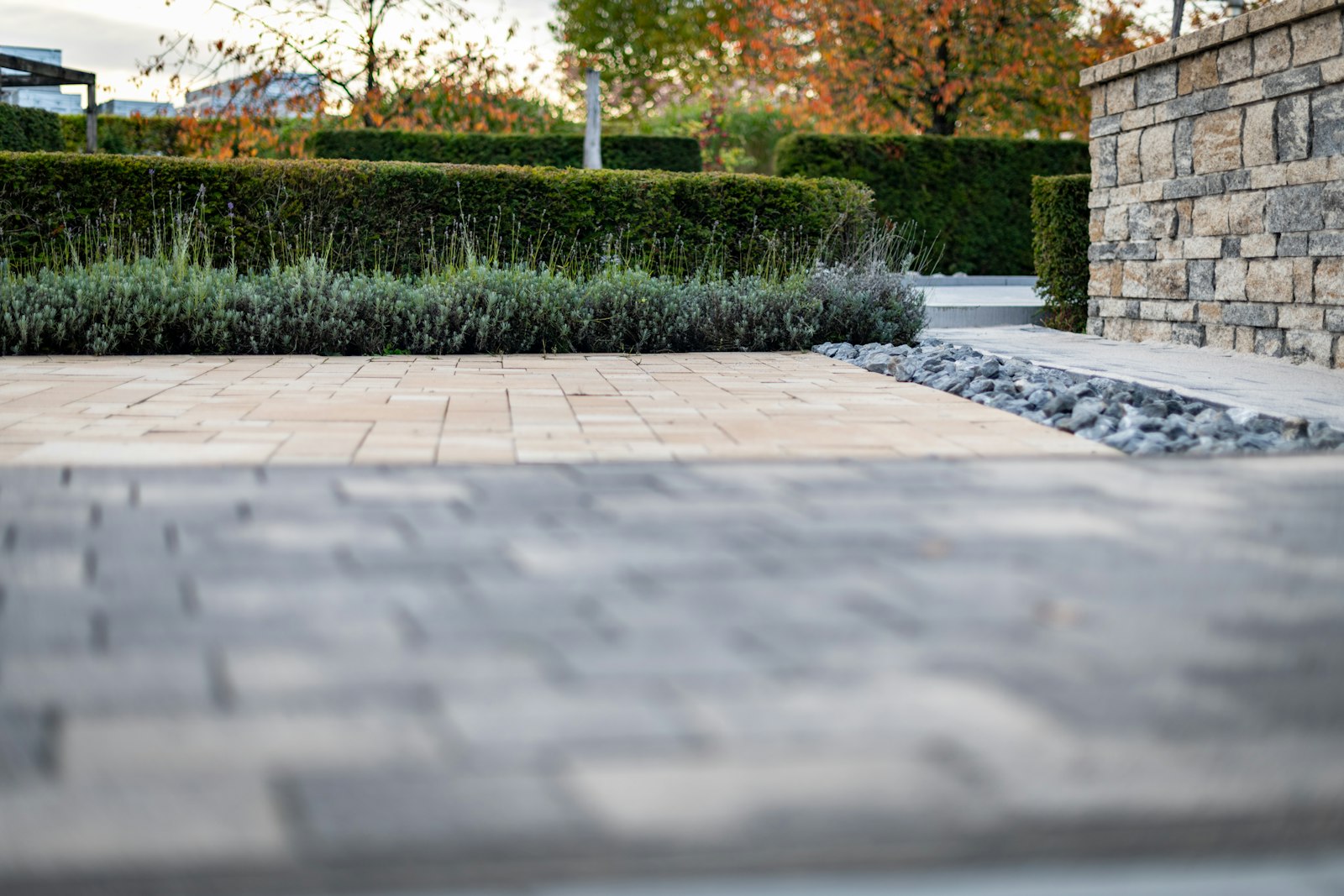
A wide paved garden path running between clipped hedges and a stacked stone wall

Key screens

Homepage and the site-visit request, which asks about the space and takes photos from a phone.

The story

The business
A small crew that designs and builds paving, walls, decks and planting for family gardens.
The problem

Every quote started with a wasted drive. Show the finished gardens first, then ask enough that the first site visit is a real one.

Design decisions
  • Lets finished projects sell. Each project has its suburb, what was built and a before and after.
  • Asks the right questions first. The site-visit form asks about the space, access and timing, and lets people attach photos from their phone.
  • Loads quickly on a weak signal, because people often look it up standing in their own backyard.
How a customer uses it
They browse finished gardens near them, then fill in the site-visit form from the backyard, adding a few photos of the space.
The action it asks for
Request a site visit, with photos attached.
  • Wide stone steps climbing between banks of leafy plants and flowers under tall trees
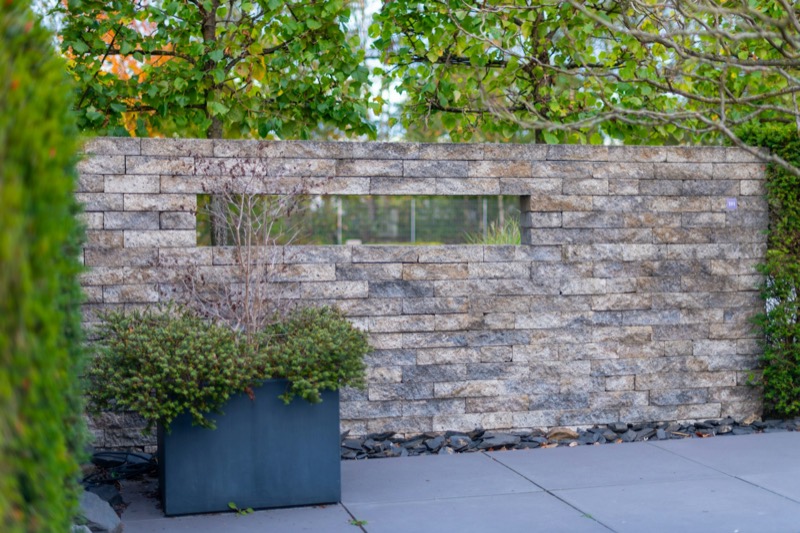
  • A stacked stone garden wall with a long window opening, a dark planter box in front
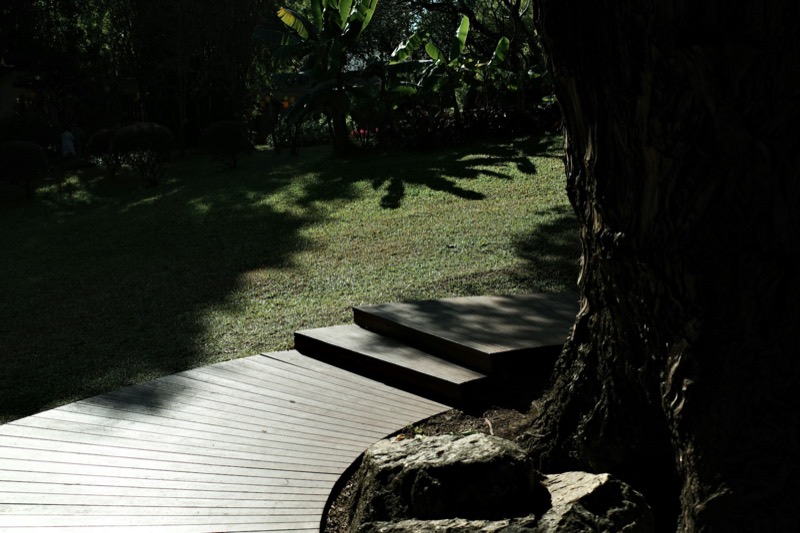
  • A curved timber deck and steps wrapping around a large tree trunk beside a lawn in dappled shade
Finished gardens, the way the concept’s projects page leads with them. Real photos; the business is made up.

Concept project · fictional business

Fade & Co

Trade
Barbershop, two chairs
Area
Inner west
Pages
Home, services, book, find us

Key screens

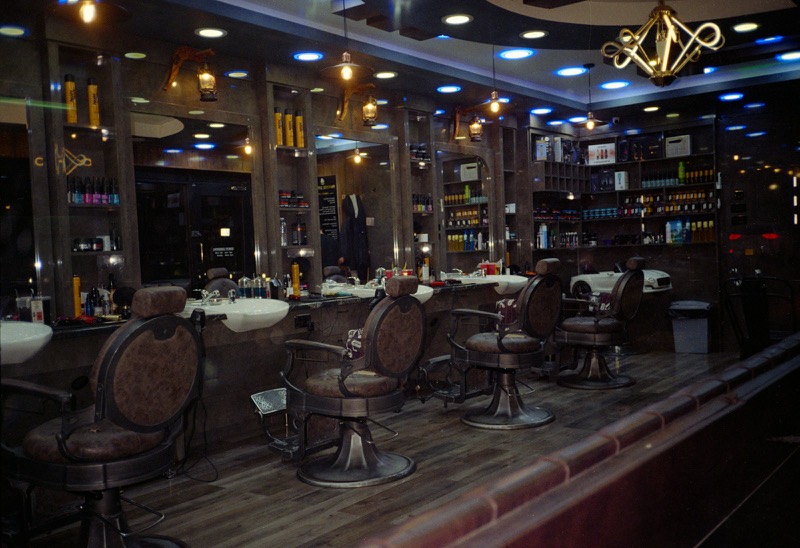
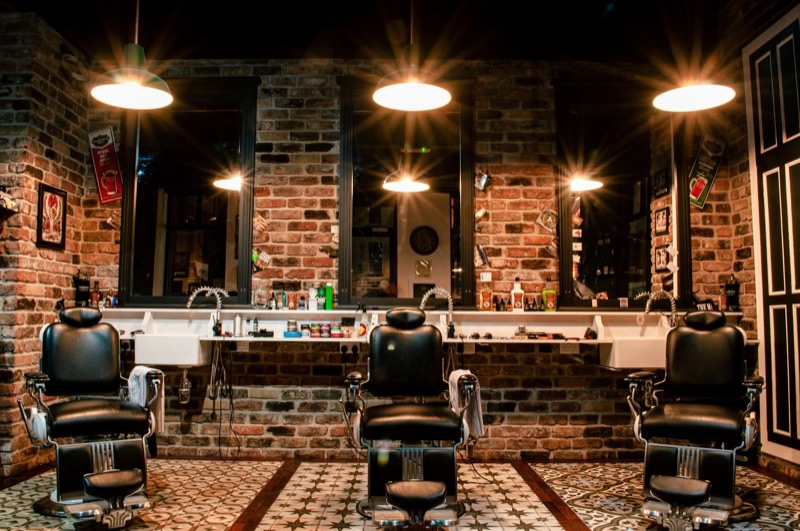
A row of leather barber chairs and mirrors in a warmly lit barbershop
Desktop and mobile homepages: today’s hours, services by time and a Book a chair button.

The story

The business
A two-chair barbershop that takes walk-ins all day and bookings for regulars.
The problem

Most people who look up a barber want to know three things: are you open, how long is the wait, and can I book? Fade & Co’s old page made them scroll past a gallery to find out.

Design decisions
  • Today’s hours on the first screen, taken from the regular opening times.
  • Choose your barber or take the first free chair. Regulars can stay with the person who knows their cut.
  • Directions one tap away, with a note about where to park.
How a customer uses it
On a phone, often on the way past: check today’s hours and the usual walk-in wait, then drop in or book a chair in four taps.
The action it asks for
Book a chair, or walk in knowing roughly how long the wait is.
Demonstration project, sample data

A request queue that runs in your browser

Not a client website. We built this small app to show the kind of tool we can make for a business that handles a lot of enquiries.

Everything uses made-up names and stays in your own browser. Nothing is sent to Cendavo or anyone else.

Open the demonstration project
  • Add a sample requestA fictional customer, the service they want and a preferred date.
  • Move it alongFrom new, to follow-up, to done, with open requests listed first.
  • Prepare a reply draftA draft you would check and send yourself. No message is sent automatically.

Want one of these for your real business?

Tell us what you do and who you do it for. We’ll reply by email to arrange a short free consultation.

Request a free consultation